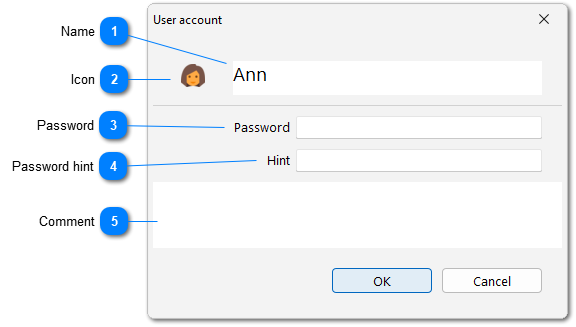
Initially, a user has full access to all directories (like the Administrator), but restrictions can be configured very flexibly. For example, you can completely deny access to a specific directory or only prohibit deleting, editing, or creating records. We recommend restricting access to the "Users" directory to everyone except the Administrator, preventing users from editing or creating other users.
 Русский
 Español
 Português
 Italiano
 Deutsch
 Français
 English