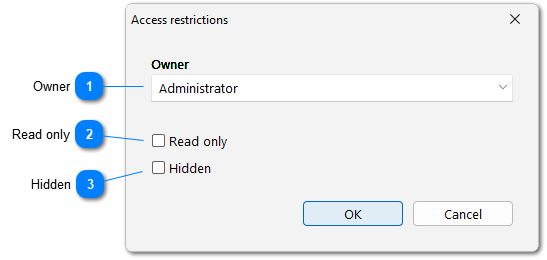
Access restrictions allow to hide almost any data from other users or protect it from changes: accounts, categories or even certain transactions.
When you open a transaction for editing, you can find the button with the lock in the lower left corner of the window. Click this button to open the menu where you can set access restrictions. Also you can also assign access restrictions to multiple records at once using batch editing.
This entry is visible to members of the Group and Ann but only Ann can edit, delete or change permissions of the entry. Administrator can see and edit any data, their access cannot be restricted.
Access restrictions are inherited: if you prohibit editing of an account or category, all transactions from that account or category will also be protected from changes. However, the restrictions settings for a specific transaction override the restrictions for a category or account and may allow editing of that entry.
 Русский
 Español
 Português
 Italiano
 Deutsch
 Français
 English